



This 100% save file is based on Lily’s route, with most side content completed before entering Eidos 9. It’s set in Normal New Game mode, not New Game Plus.
Perfect for those who want to skip grinding and experience the endgame with full upgrades and collectibles already handled.
Features
- Lily chosen route
- Most side quests and content completed
- Save is right before entering Eidos 9
- Maxed out gear, cosmetics, and upgrades
- Ideal for casual replay or content creation
Installation Instructions
- Download and unzip the save file
- Go to:
C:\Users\<YourUsername>\AppData\Local\SB\Saved\SaveGames\<YourSteamID> - Replace an existing
StellarBladeSaveXX.savfile with the one you downloaded - Make sure the save slot number (e.g.,
01,02, etc.) doesn’t conflict with your current saves - Launch the game and load from the corresponding save slot
Note:
Make a backup of your own save before overwriting. If you don’t know your Steam ID, check the folder name inside the SaveGames directory.
Credits: kartik
If the above button is not working, download v1 here:
| Main Files | Download |


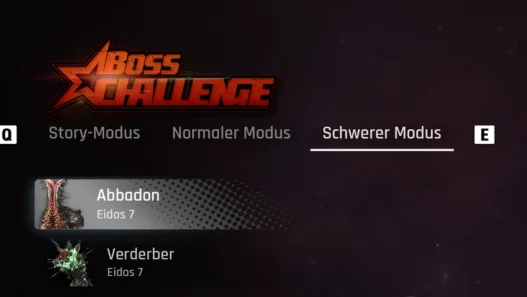

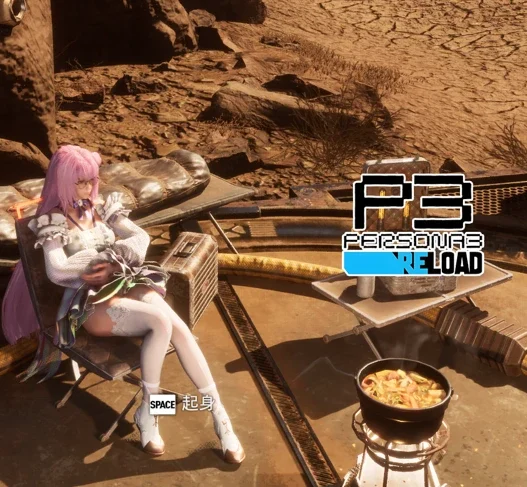


it’s nice if u want to play from end and have all freedom