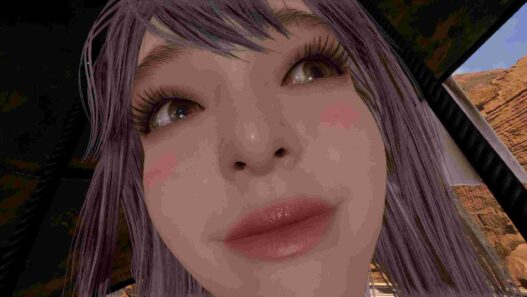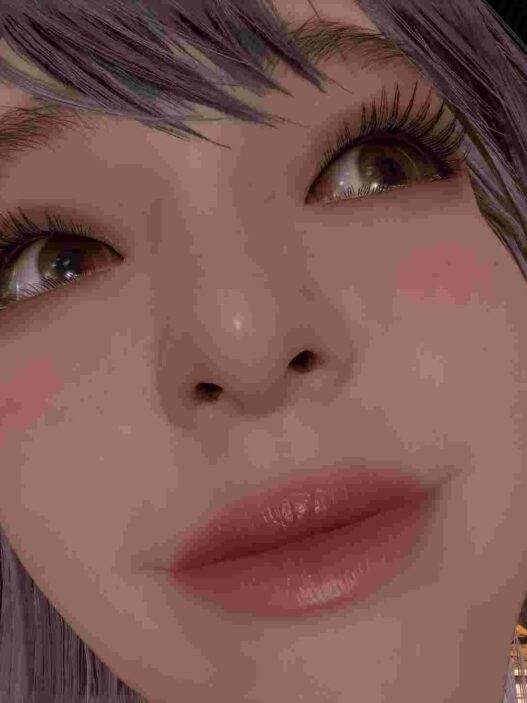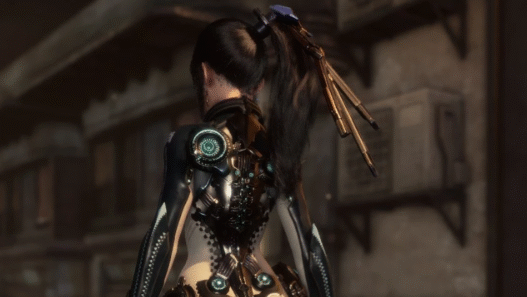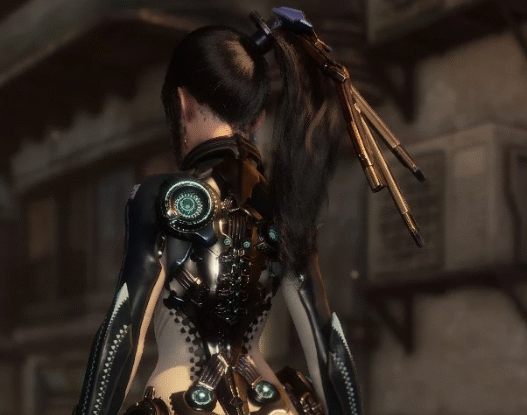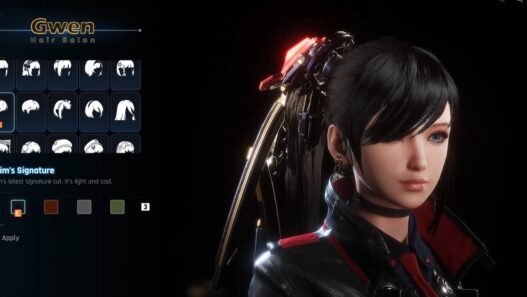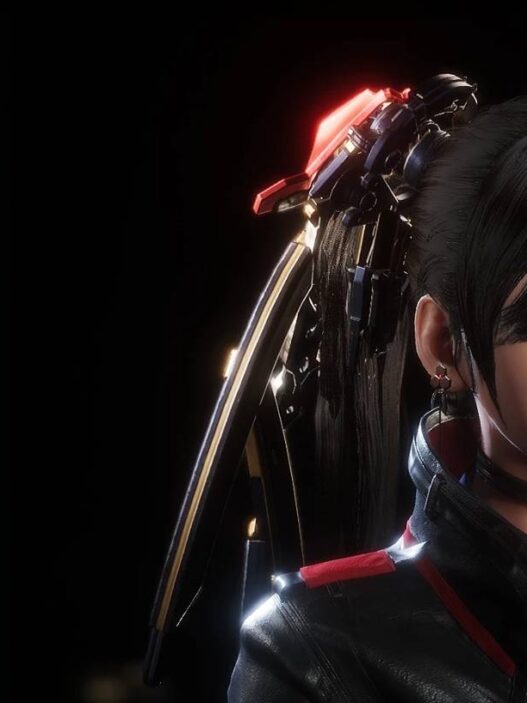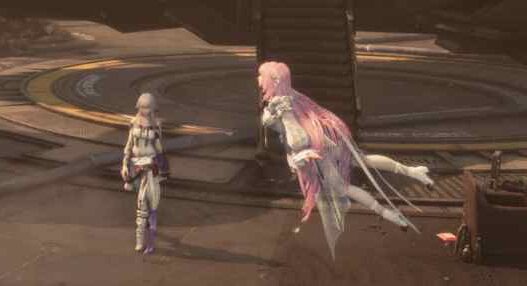
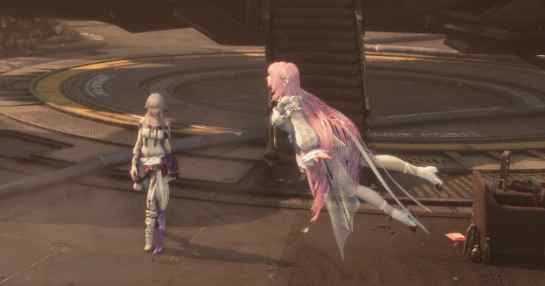
A powerful tool for loading poses, expressions, and animations for Eve.
Initially designed to fix camera pose bugs in clothing mods, ATOOL has since been expanded to support sequence animations and custom animation package mods.
Requirements
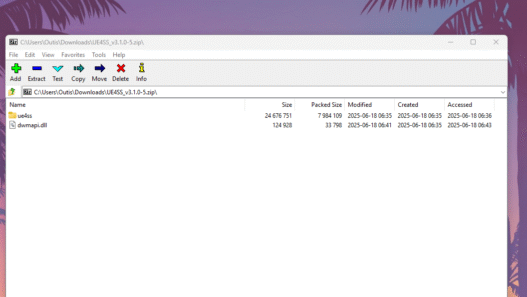
- UE4SS (latest stable release)
Installation
- Place the
ue4ssfolder anddwmapi.dllinto:
...StellarBladeSBBinariesWin64 - Create a
LogicModsfolder in:
...StellarBladeSBContentPaks - Place the folder from the archive into
LogicMods. - (Optional) Switch input to an American keyboard before launching the game to avoid
ue4ss_crashwhen exiting.
Controls (Default Version)
- Switch poses: Alt + , / Alt + .
- Switch expressions: Alt + L / Alt + ;
- Switch custom animations: Alt + [ / Alt + ]
- Open/Close expansion menu: Alt + ‘
- Exit: Alt + /
Controls (K2 Version)
- Switch poses: Alt + 5 / Alt + 6
- Switch expressions: Alt + 7 / Alt + 8
- Switch custom animations: Alt + 9 / Alt + 0
- Open/Close menu: Alt + O
- Exit: Alt + L
Controls (K3 Version)
- Open/Close menu: Alt + L
Free Camera
- Mouse: Left/Right buttons, Scroll, Middle (Exit)
- Keyboard: W, S, A, D, Q, E, R, F (Esc to exit)
External Audio Support
- Path:
...StellarBladeSBContentPaksLogicModsHD-ATOOL_Paudio*.wav - Audio must share the same name as the custom animation (1–1000).
Advanced Features
- Mount objects, meshes, and animations to specific bones/sockets.
- Supports static meshes, skeletal meshes, blueprints, Niagara particle systems, and facial expressions.
- Debug transformation mode: Quickly click LMB in menu’s empty area → Esc to exit.
- Switch mounts: A / S
- Adjust values: D, F, G
- Transformation controls: 1–7, Q–U, Z–N
For advanced usage, check the included InGame_Anim_Pack_Config project files as reference.