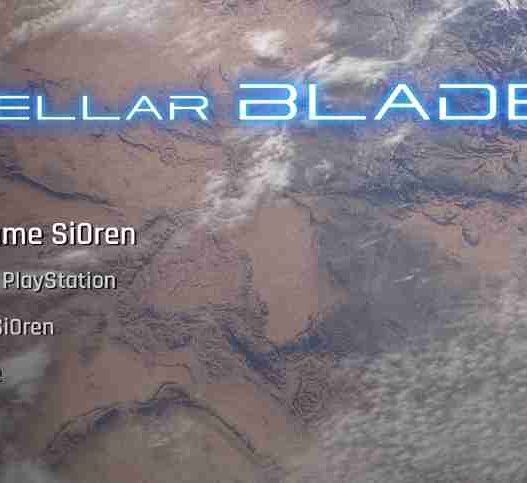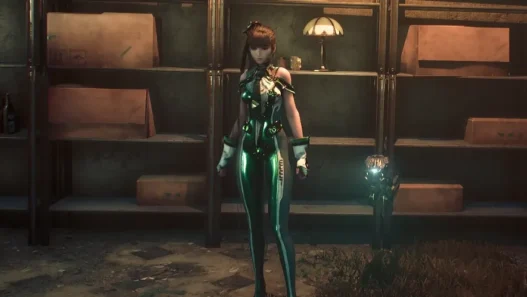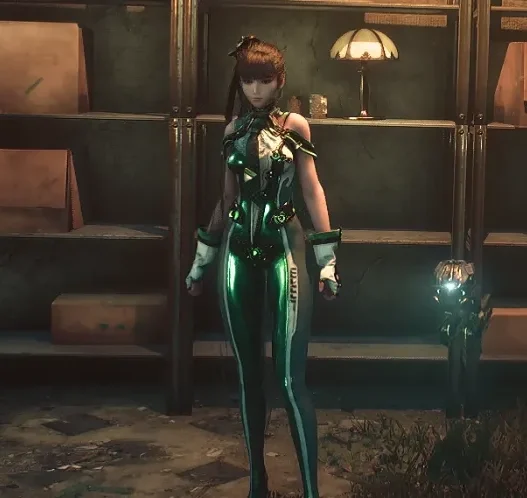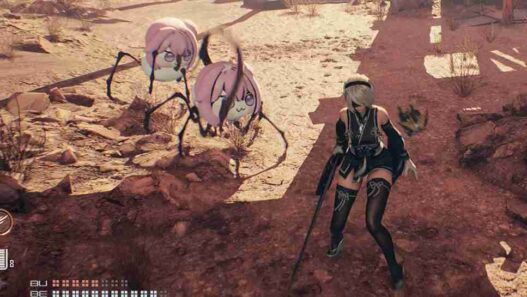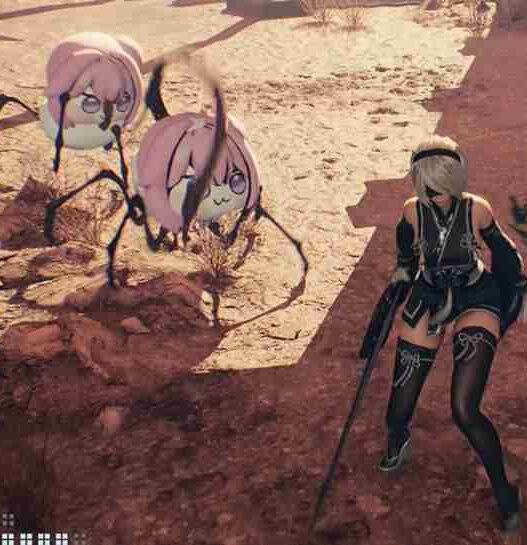

Download Xirlio’s Realistic Fantasy ReShade preset for Stellar Blade. Cinematic visuals, balanced tones, and immersive lighting with easy installation.
Xirlio’s Realistic Fantasy (XRF) ReShade preset enhances the visual quality of Stellar Blade with deep colors, balanced contrast, and a cinematic, fantasy-inspired tone.

Designed for maximum immersion during gameplay, it’s optimized for quality without extreme color grading.
Features:
- Cinematic tone with enhanced color balance
- Natural lighting without over-saturation
- Designed for both gameplay and screenshots
Installation Instructions:
- Install ReShade:
- Download the ReShade installer from reshade.me
- Launch it, select the game executable:
\steamapps\common\StellarBladeDemo\SB\Binaries\Win64\SB-Win64-Shipping.exe - Choose DirectX 10/11/12
- Let it install all shader packs (or at least the required ones)
- Drag and Drop Preset:
- Download the preset archive and extract the contents
- Place the
.inifile and requiredXRF_LUT3.pngfile into:\steamapps\common\StellarBladeDemo\SB\Binaries\Win64 - Make sure
XRF_LUT3.pngis inside:\reshade-shaders\Textures
- Launch the Game:
- Press
HOMEto open the ReShade interface - Select
Xirlio’s Realistic Fantasypreset from the dropdown
- Press
Troubleshooting:
- If your screen is black:
→ EnsureXRF_LUT3.pngis correctly placed inreshade-shaders\Textures - If you see shader errors:
→ Reinstall ReShade with DirectX 10/11/12 and ensure you selected all default shader packs
To Uninstall: Remove the .ini preset file and delete the ReShade files from the game directory.
Credits: XirlioMerazul
If the above button is not working, download v1 here:
| Main Files | Download |